Deploy your personal ChatGPT locally— part 1
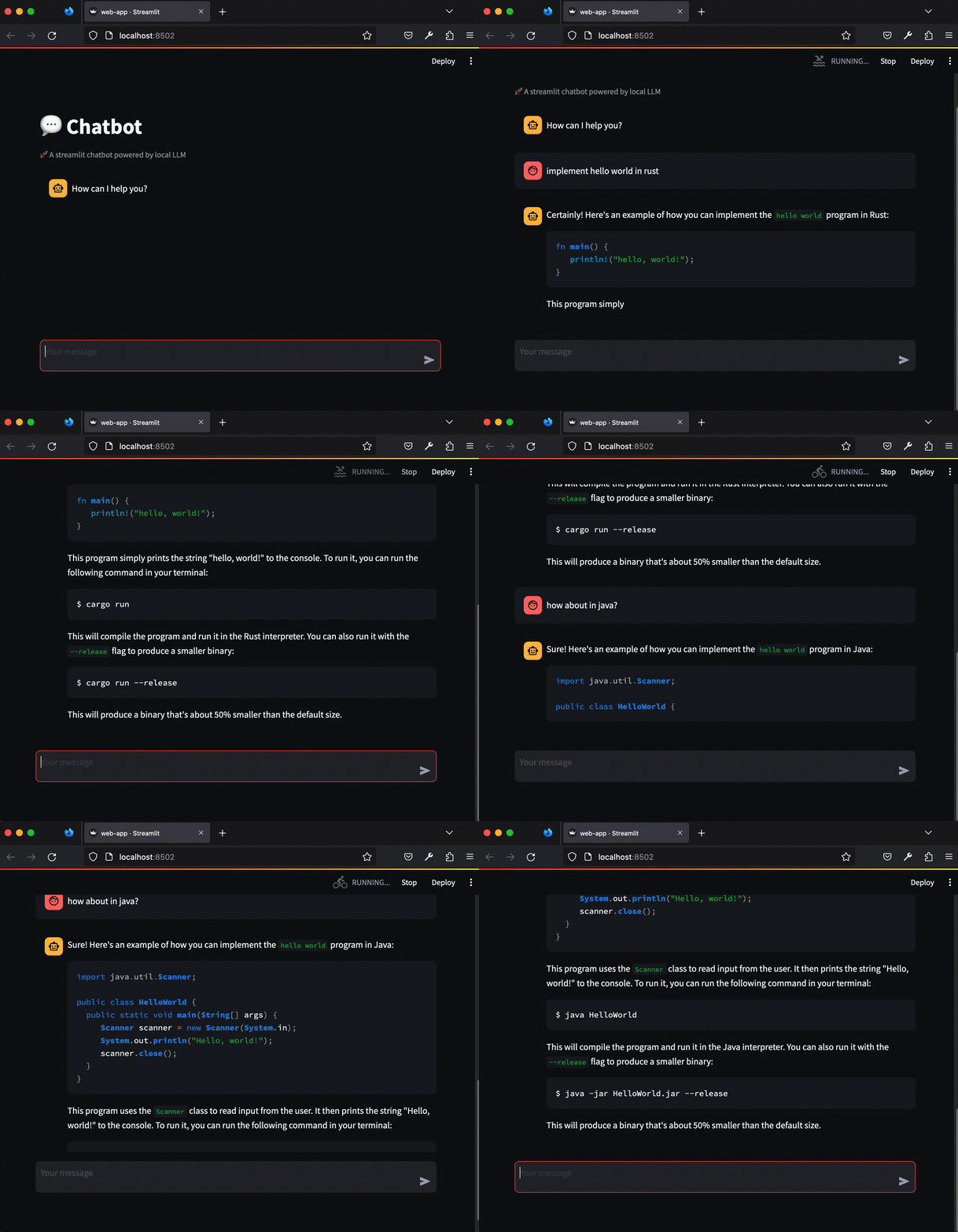
ChatGPT has changed how we search for information. Now, there are countless alternatives to ChatGPT-like models, may of which are…
System Requirement
- A decent CPU; no GPU required
- At least 8GB of RAM, preferably 16GB
Overview
We need three components:
- ChatGPT-like large-language model (LLM) that generates a response given a prompt
- web server for the chatbot interface
- communication layer between the two
In this story, we will dive into the first component.
Chatbot model
The easiest way to run a ChatGPT-like model is through Huggingface’s transformers library. The following is minimal code you need to download and run the model. This will generate a response from the provided prompt.
# non-streaming.py
from transformers import AutoTokenizer, AutoModelForCausalLM, TextIteratorStreamer

model_path = 'TinyLlama/TinyLlama-1.1B-Chat-v1.0'

model = AutoModelForCausalLM.from_pretrained(model_path)
tokenizer = AutoTokenizer.from_pretrained(model_path)
model.eval()

prompt = 'Q: implement quick sort in Rust.\nA:'
inputs = tokenizer(prompt, return_tensors="pt")

generation_kwargs = dict(inputs, streamer=streamer, max_new_tokens=100)
output = model.generate(**generation_kwargs)
print(tokenizer.decode(output[0].tolist(), skip_special_tokens=True))
To test it, run the following commands in a terminal
# install necessary libraries
pip install torch transformers

# run
python non-streaming.py
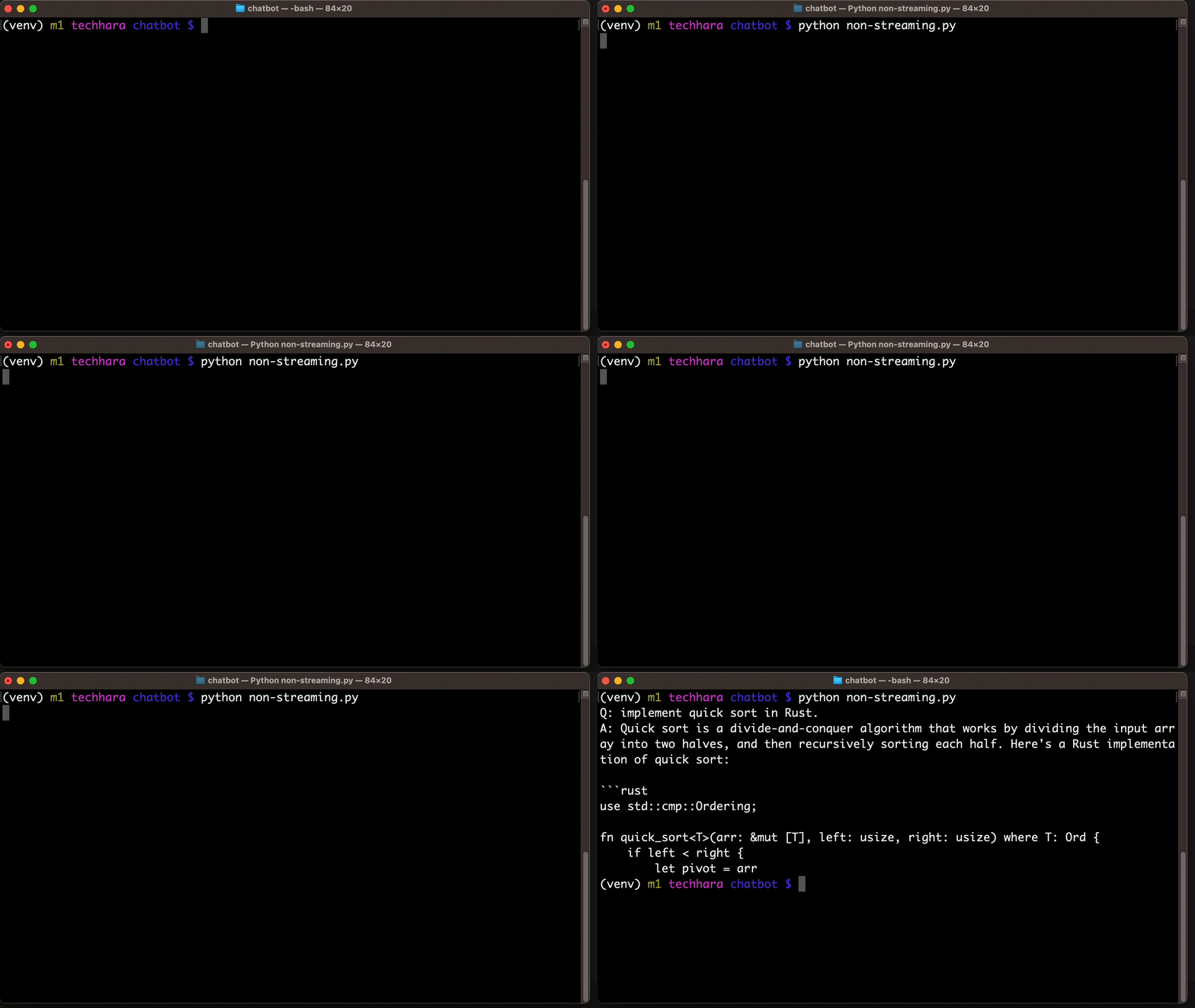
As for model_path, we can choose a different model from here, but make sure to choose a small model. I am going to choose TinyLlama-1.1B model as it is relatively small but performant. It requires approximately 8GB memory.
Be aware that this token generation is extremely slow without GPU. On my Macbook Pro with M1 Pro, for example, it took 18 seconds to generate just 100 tokens (not including time to download the model), so be patient!
Streaming support
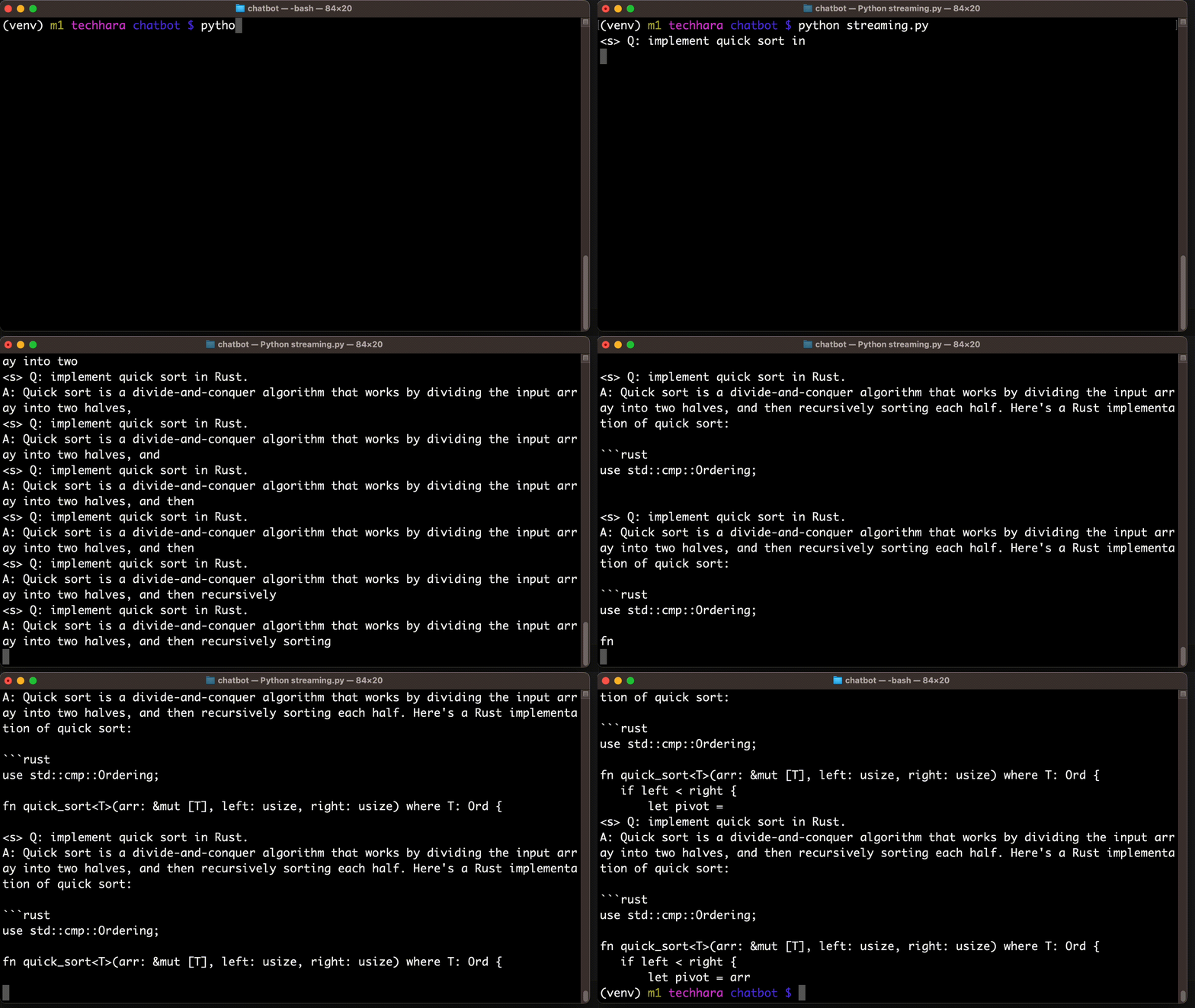
As you might have noticed, we have to wait for a long time to see any result from the code above. That is because we are printing out the result only after the generation is complete. A better user-experience (UX) would be to support streaming. That is, we output each token as we generate.
Below shows how we can update our code to support streaming. We output streaming result to TextIteratorStreamer instance, and then iterate over the generated text as they are available. To be able to display tokens as they are generated, we run the model inference on a separate thread.
--- non-stremaing.py
+++ streaming.py
@@ -1,14 +1,21 @@
 from transformers import AutoTokenizer, AutoModelForCausalLM, TextIteratorStreamer
+from threading import Thread

 model_path = 'TinyLlama/TinyLlama-1.1B-Chat-v1.0'

 model = AutoModelForCausalLM.from_pretrained(model_path)
 tokenizer = AutoTokenizer.from_pretrained(model_path)
+streamer = TextIteratorStreamer(tokenizer, decode_kwargs={'skip_special_tokens': True})
 model.eval()

 prompt = 'Q: implement quick sort in Rust.\nA:'
 inputs = tokenizer(prompt, return_tensors="pt")

-generation_kwargs = dict(inputs, max_new_tokens=100)
-output = model.generate(**generation_kwargs)
-print(tokenizer.decode(output[0].tolist(), skip_special_tokens=True))
+generation_kwargs = dict(inputs, streamer=streamer, max_new_tokens=100)
+thread = Thread(target=model.generate, kwargs=generation_kwargs)
+thread.start()
+
+generated_text = ""
+for new_text in streamer:
+    generated_text += new_text
+    print(generated_text)
Prompt format
Every model has been trained with a different style of prompts. In order to take full advantage of the model, we need to comply with the prompt format it was trained on. For example, TinyLlama-1.1B-Chat-v1.0 prompt format as shown in this example
<|system|>
You are a friendly chatbot who always responds in the style of a pirate.</s>