Rust — build rust-analyzer from source
rust-analyzer is a LSP server that works with various IDEs and editors. Today, let’s build a VSCode extension (.vsix) from rust-analyzer from source, rather than installing from the VSCode marketplace.
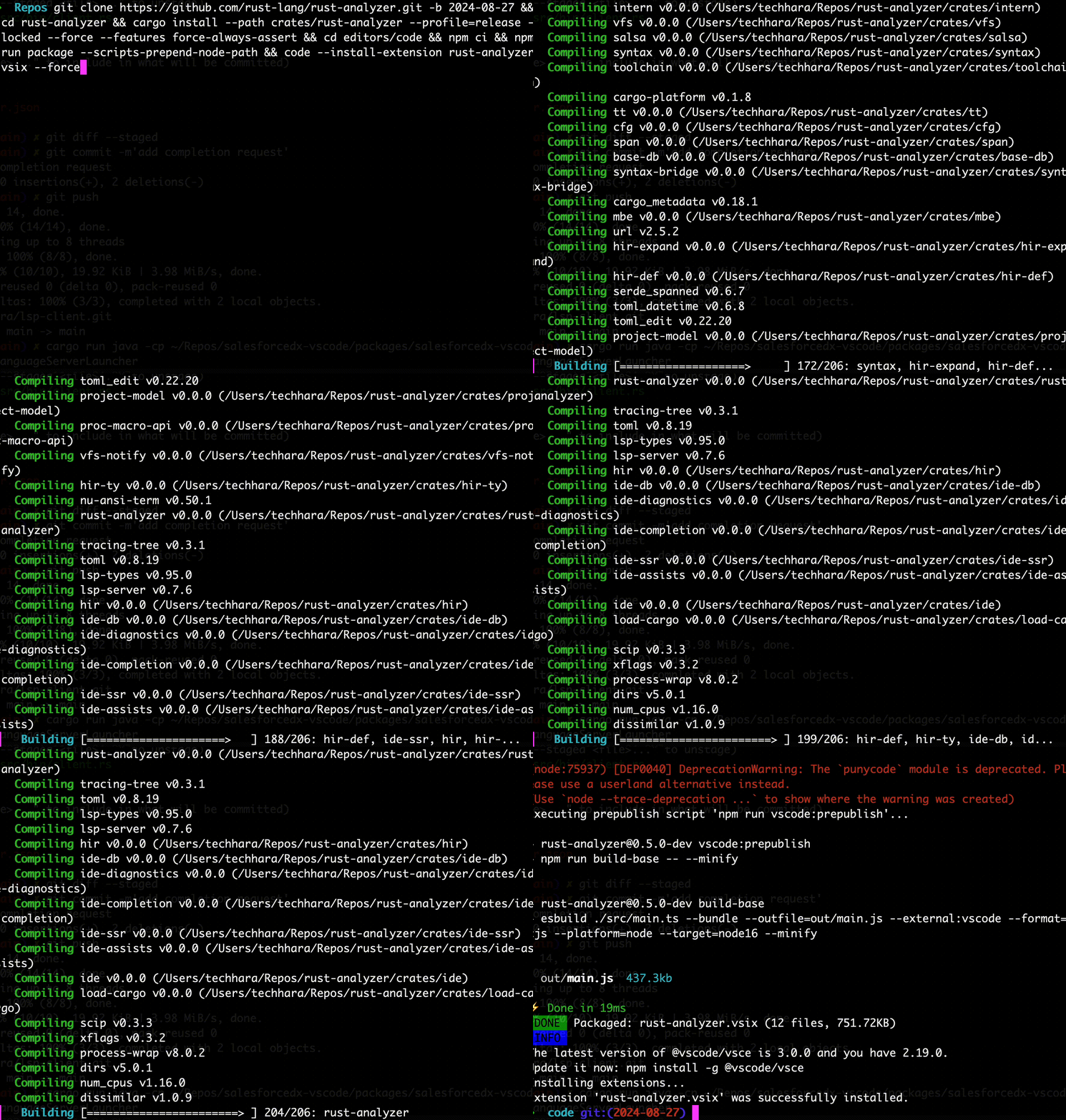
The first thing is to clone rust-analyzer repo. We will check out the latest stable commit, which happens to be 2024-08-27 as of today
git clone https://github.com/rust-lang/rust-analyzer.git -b 2024-08-27
cd rust-analyzer
Next, we need to compile the rust-analyzer binary and install.
cargo install --path crates/rust-analyzer --profile=release --locked --force --features force-always-assert
Then, you should see $HOME/.cargo/bin/rust-analyzer file. Next, we need to package into vsix
cd editors/code
npm ci
npm run package --scripts-prepend-node-path
That’s it! This will create editors/code/rust-analyzer.vsix file from which you install the extension.
code --install-extension rust-analyzer.vsix --force
This will install the extension into /Users/techhara/.vscode/extensions/rust-lang.rust-analyzer-0.5.0-dev folder without a copy of the rust-analyzer binary file, as it is already installed on the system.